Specialized in the sale of robotic products! educational robots, toy robots, connected objects
- Home >
- Educational Robots >
- MatataStudio > Animation Add-On MatataStudio
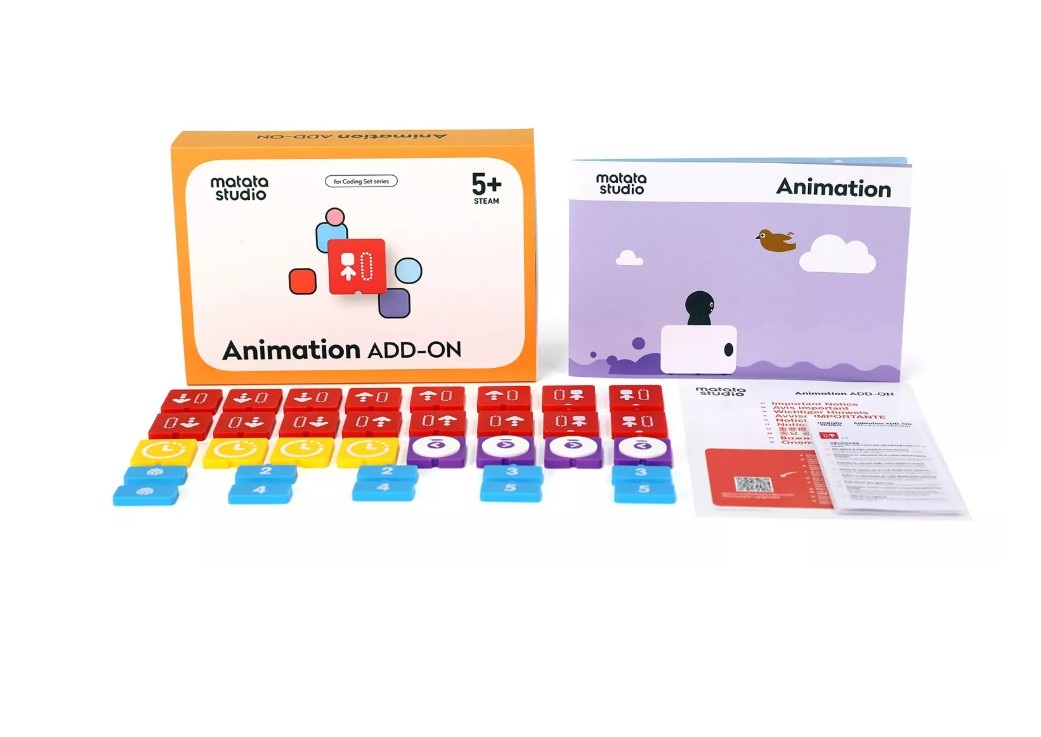

Animation Add-On MatataStudio
The MatataStudio Artist Add-On is an extension for the MatataBot that enables it to physically draw circles, curves and complex shapes by controlling the speed of each wheel, with LEDs that can be animated in seven colours.
Creative and maths activities combined to learn about geometric shapes through the robot’s physical movements.
MatataStudio Animation Add-On: Drawing and physical animation extension for MatataBot
The Animation Add-On is an extension for the MatataBot that enables it to draw physical shapes: circles, curved lines and more complex shapes, by controlling the speed of each wheel independently to achieve precise trajectories such as U-turns. The LEDs can flash in seven different colours to bring the creations to life. The extension is designed to combine programming with hands-on, creative activities, and to introduce mathematical concepts such as geometric shapes through the practical manipulation of the robot.
Animation Add-On for MatataBot: drawing circles, curved shapes and U-turns, 7-colour LEDs and creative activities to learn maths through movement.
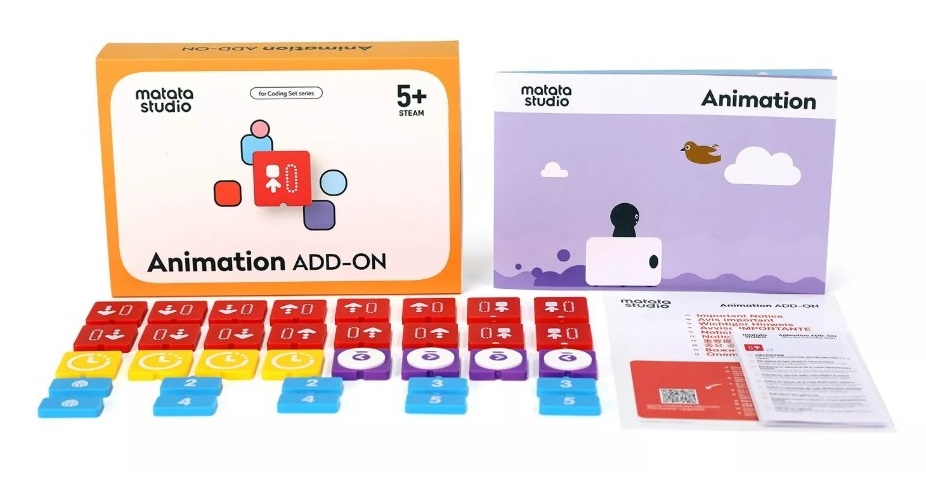
What the Animation Add-On brings to the MatataBot for creative and maths activities
- Physically drawing circles, curved lines and complex shapes directly onto paper or a surface
- Independent control of each wheel’s speed for precise trajectories and U-turns
- Animated LEDs in seven different colours to enhance creations
- Hands-on and creative activities combined with MatataBot programming
- Hands-on exploration of geometric shapes and mathematical concepts through movement
Children place a sheet of paper under the MatataBot, programme a sequence and watch the robot draw the corresponding shape. Drawing a circle requires setting the speed of the two wheels differently; a half-turn requires reversing them. Each programme produces a visible and tangible result that encourages children to try again and make adjustments.
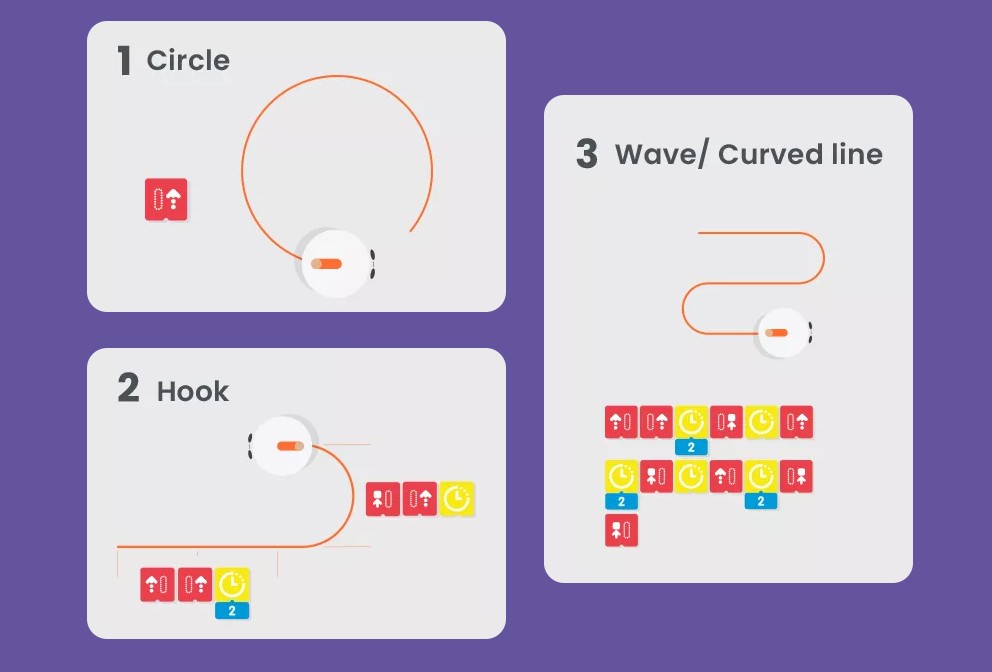
What else you’ll need
- MatataBot MatataStudio (sold separately)
Technical specifications of the MatataStudio Animation Add-On
- Compatibility: MatataBot MatataStudio
- Functions: drawing circles, curved lines, complex shapes, U-turns
- LEDs: 7 colours available
- Brand: MatataStudio