Parent guide · Coding from age 3
Learning to code from age 3: where to start?
"Coding at 3?" The question often raises a smile, or a worried eyebrow. We picture a toddler glued to a screen, typing out incomprehensible lines of code. The reality is the complete opposite: at this age, learning to code mostly means learning to think in the right order. And it happens hands-on, with real objects, without any screen at all.
No need to read, no need to be a maths genius. All it takes is the right tools, designed for little hands and young minds. Here is how to introduce your child to the logic of code, step by step, with a clear progression from pre-coding all the way to their first real programs.
Coding without a screen, what does that actually mean?
At its core, coding means giving a precise sequence of instructions to get a result. "Go forward, turn right, go forward again, stop." A 3-year-old understands this logic perfectly, as long as it is presented as a game, with objects to handle rather than abstract symbols.
That is the whole point of screen-free coding: the child places blocks, presses arrows, or moves along a course themselves. They see the result of their choices immediately. If they get it wrong, they try again. This try-fail-fix loop is exactly computational thinking, but experienced with the body and the hands.
And the benefits go well beyond code. It develops spatial awareness (left, right, forward, backward), sequential logic (doing things in the right order), planning, perseverance and problem-solving. All skills that matter far beyond computing.
Spike the Hedgehog, laying the groundwork
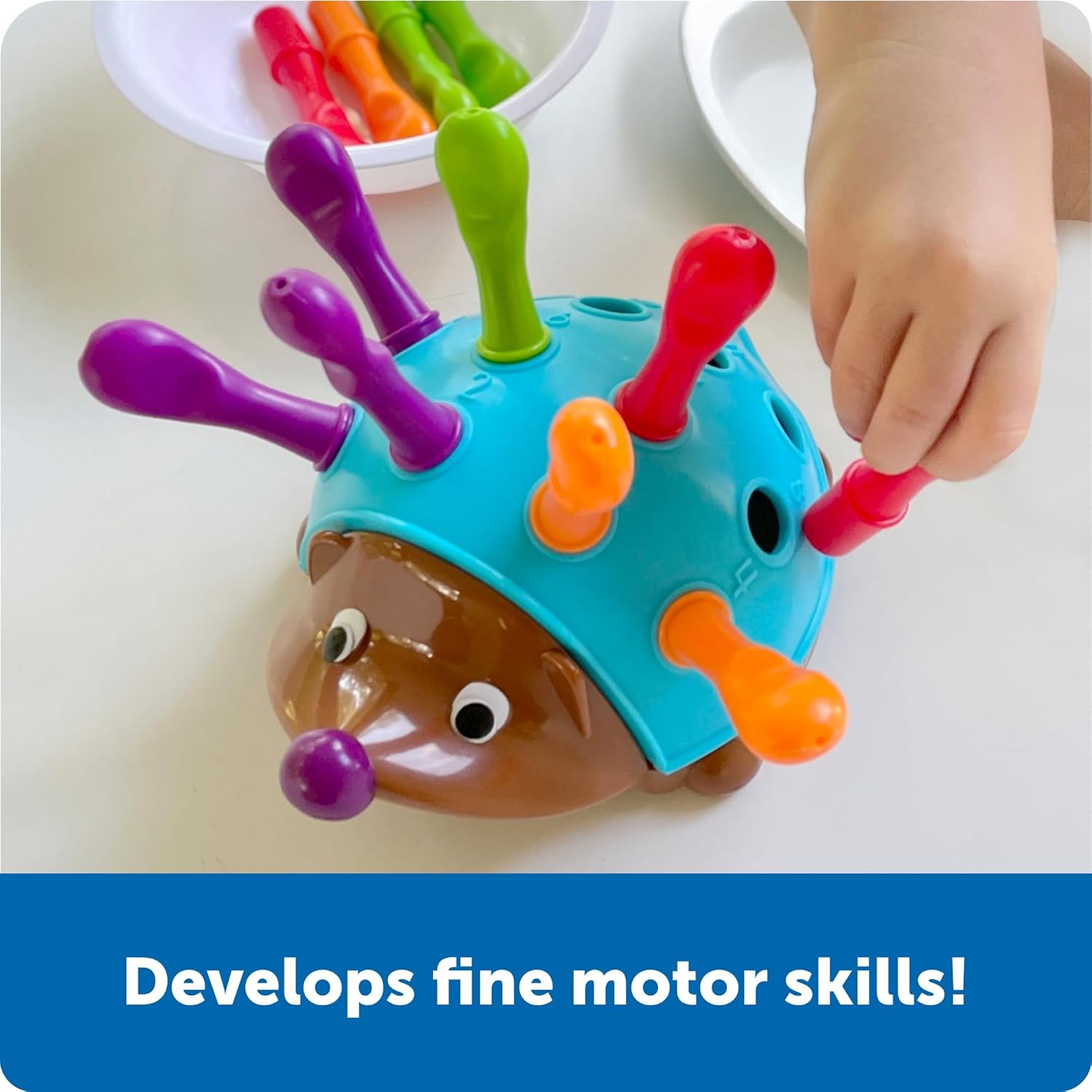
Before coding, a child needs to sort, recognise and sequence. Spike is a little hedgehog who has lost his quills: the child places them back one by one into the holes on his back. Along the way, they work on fine motor skills, colours, counting and their first logical sequences (alternating two colours, following an order).
It is not quite coding yet, but it is the foundation. Sorting, classifying, ordering: these gestures prepare the brain for the sequential logic found later in programming. An excellent first step, from 18 months.
Discover Spike →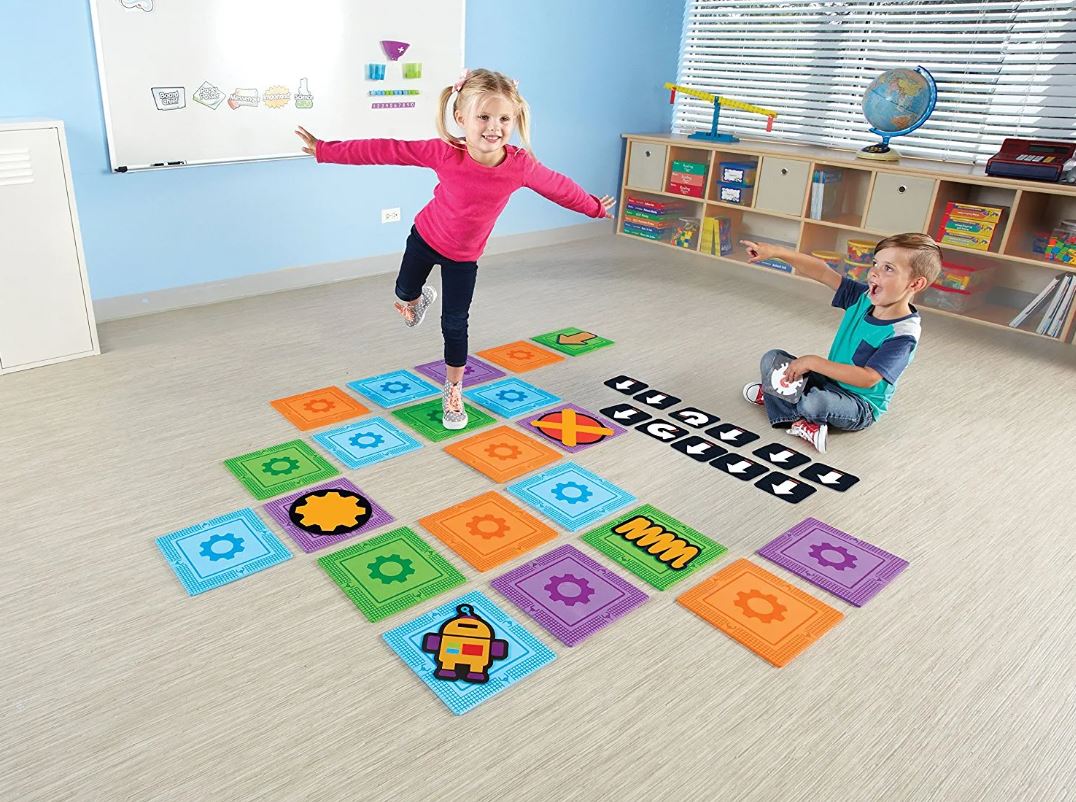
Let's Go Code!, coding life-size
No robot here: the child becomes the program. You lay the foam tiles on the floor to create a course, then place instruction cards (go forward, turn, jump over the obstacle). The child executes the sequence… with their own feet.
It is a brilliant step, because it anchors coding in the body. By "becoming" the robot, the child physically understands what a sequence of instructions is, and what happens when the order is wrong. Ideal in groups, at home or in class, from age 4-5.
Discover Let's Go Code! →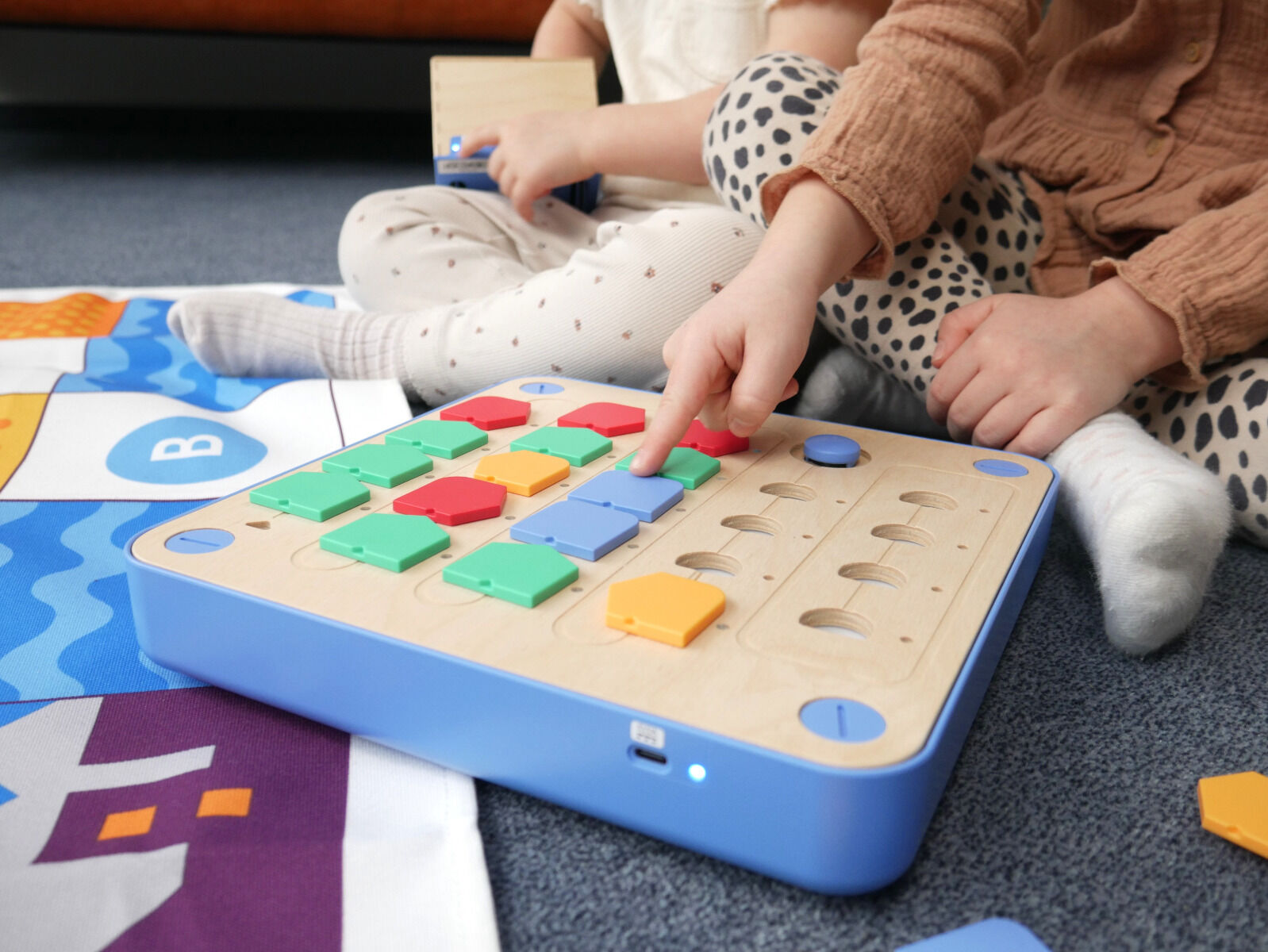
Cubetto Plus, coding before you can read
Here is the robot that built the reputation of Montessori coding. Cubetto is a little wooden robot that the child programs by placing colourful blocks on a control board. Each block is an instruction. You build your sequence, press the button, and Cubetto follows the path you traced. No screen, no reading required.
The Plus version brings real upgrades: instructions read left to right (more intuitive), longer sequences, function blocks to go further, and a rechargeable USB-C battery. It is the most accomplished tool for a genuine introduction to programming from age 3, at home or in nursery. Its price makes it better suited to committed families or schools, but the quality is there.
Discover Cubetto Plus →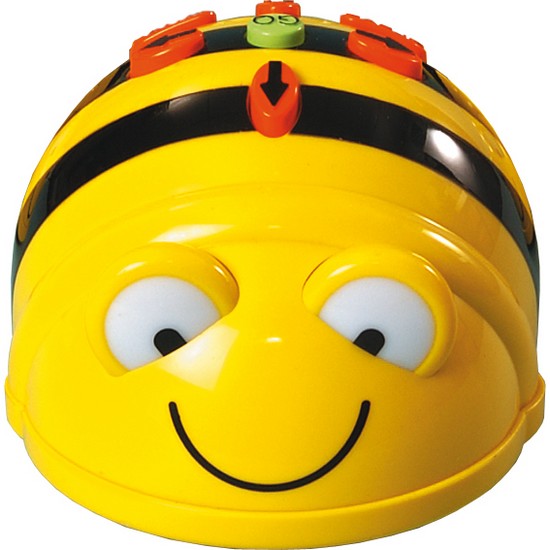
Bee-Bot, the bee that won over classrooms
You cannot talk about coding in nursery without mentioning Bee-Bot. This little robot bee is programmed directly with the arrow buttons on its back: forward, backward, turn. The child builds a sequence of movements, presses "Go", and the bee travels the programmed route.
Robust, simple, no tablet, adopted by thousands of classrooms: it is a safe bet. Many themed mats (alphabet, town, fairy tales) let you vary the activities and link coding to other learning. A genre classic, from age 3.
Discover Bee-Bot →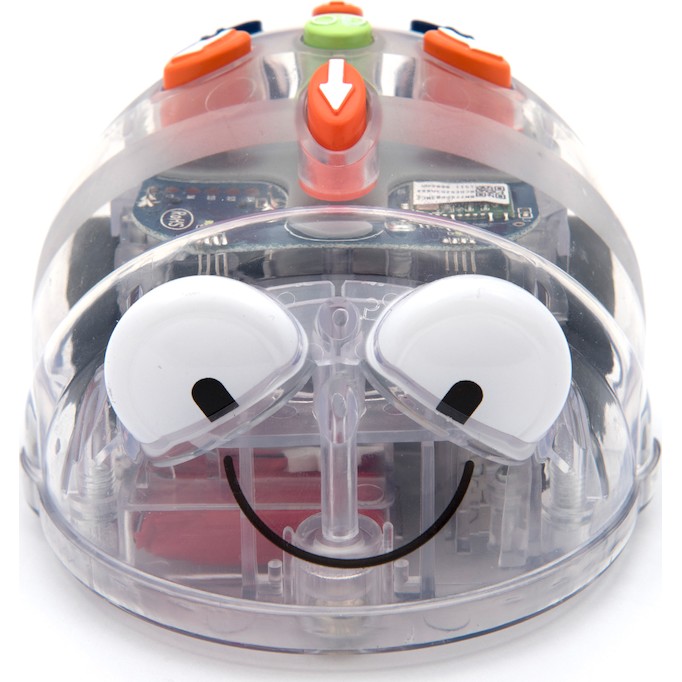
Blue-Bot, the version that grows with the child
Blue-Bot is Bee-Bot's big brother. Same simplicity to start with — you program with the buttons on its back — but with a transparent shell that reveals the electronic components inside, and above all Bluetooth connectivity. Later, the child can program the robot from a tablet and build richer sequences, with repeats and 45° turns.
It is the smart choice if you want a robot that lasts: you start screen-free around age 4, then bring in the tablet when the child is ready. It is compatible with Bee-Bot charging docks and mats, which makes the transition easy.
Discover Blue-Bot →The progression at a glance
From pre-coding to their first real programs, here is how to guide your child step by step.
| Step | Product | What it builds | Age |
|---|---|---|---|
| Pre-coding | Spike the Hedgehog | Sorting, colours, fine motor skills | 18 months+ |
| Coding with your body | Let's Go Code! | Sequences, spatial awareness | Ages 4-5+ |
| First programs | Cubetto Plus | Block programming, functions | Ages 3-6 |
| Robot to program | Bee-Bot | Movement sequences | Ages 3-7 |
| Going further | Blue-Bot | Bluetooth, advanced sequences | Ages 4+ |
Frequently asked questions
My child can't read yet, is that a problem?
Not at all. Every tool presented here works without reading: you handle blocks, buttons or picture cards. Cubetto was even designed to "code before you can read". That is precisely the point of screen-free coding for the youngest learners.
Do I need a screen or a tablet to get started?
No, and that is intentional. Spike, Let's Go Code!, Cubetto and Bee-Bot all work entirely without a screen. Only Blue-Bot offers a tablet option, and only to go further once the child is ready. You can perfectly well start and progress without any screen at all.
Which product should I start with at age 3?
At 3, Bee-Bot and Cubetto are the two best entry points to a real robot to program. If you want to prepare the ground even earlier, Spike from 18 months builds the logical basics. The ideal is to follow the progression: pre-coding, then a simple robot, then an upgradable version.
What's the difference between Bee-Bot and Blue-Bot?
Bee-Bot is programmed only with the buttons on its back: simple and perfect to start. Blue-Bot does the same, but adds a transparent shell, Bluetooth and the ability to program from a tablet. Blue-Bot is therefore the upgradable choice, the one that stays with the child longer.
Ready to get your child coding?
Explore our full range of educational robots and coding games, from pre-coding to first programs, for every age and every level.
Browse educational robots →